Catalog
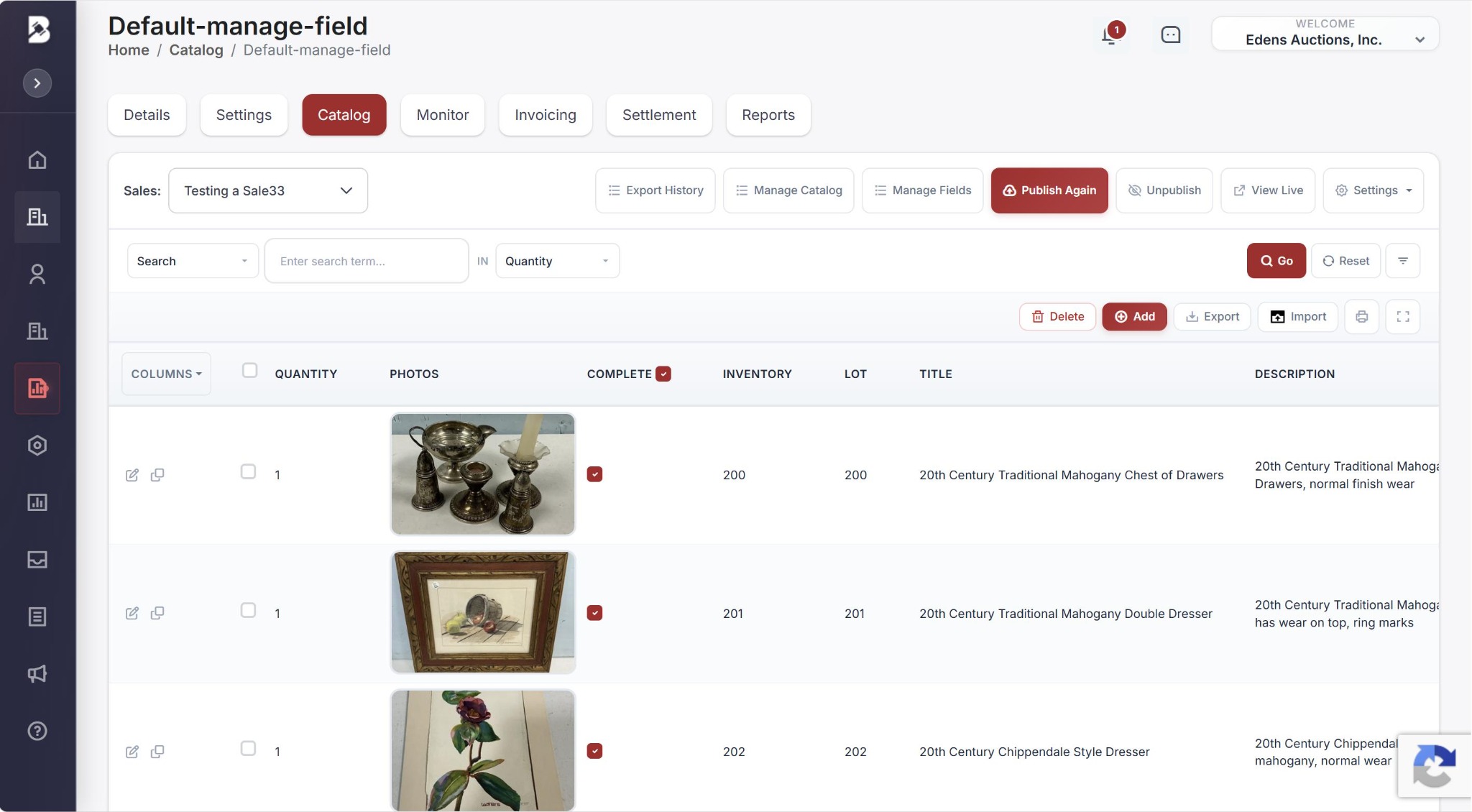
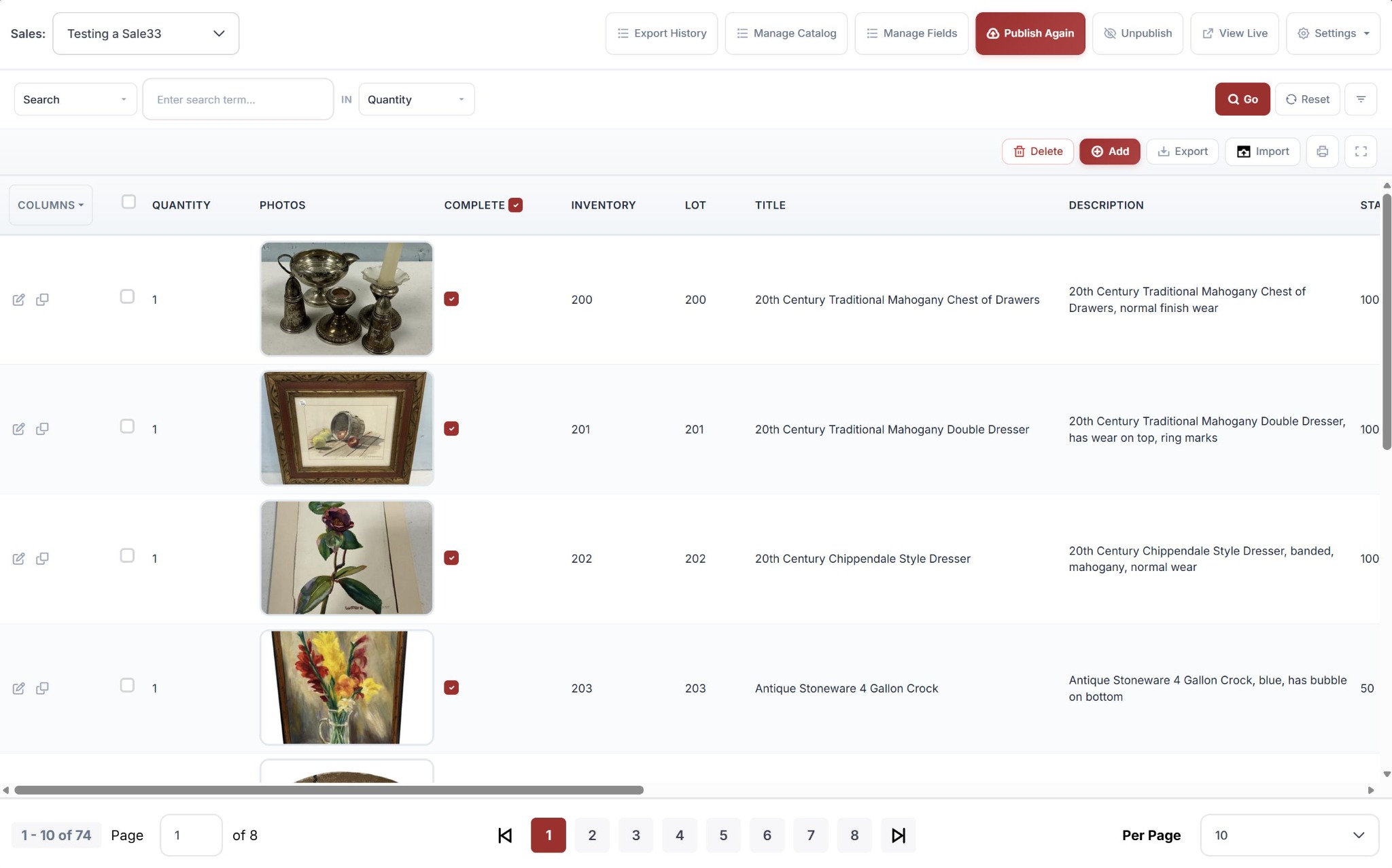
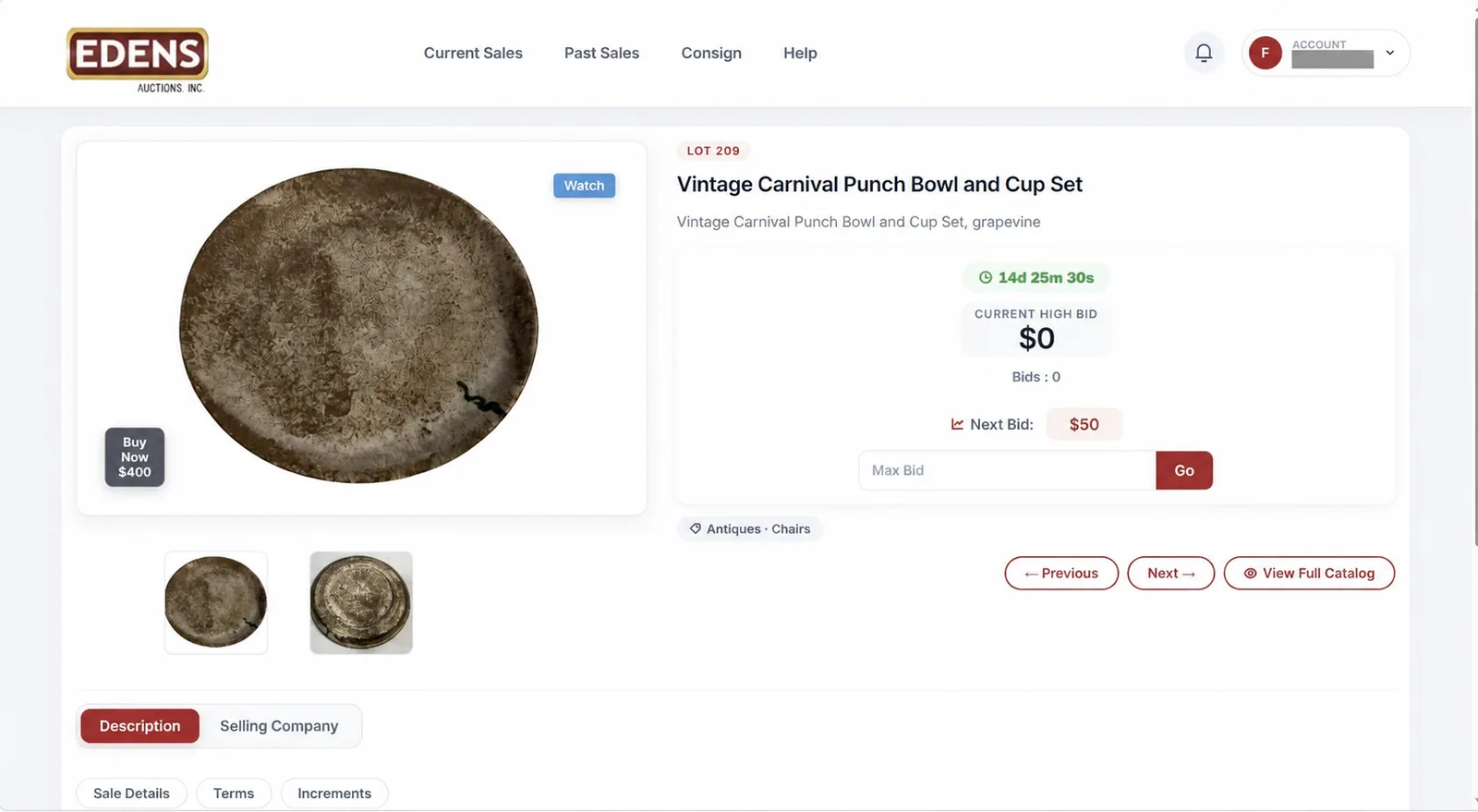
Add each lot with a lot number, title, description, category and photos, plus any other fields your catalog template uses. Catalog fields can be customized, and preset catalog types are available.
- Seller: the consignor's ID code. This is how each lot is credited to the right consignor in settlement.
- Reserve: if the top bid is below the reserve when the lot closes, the lot does not sell. It is not invoiced and not counted as sold.
- Published: only published lots are shown, bid on and closed. Lot numbers sort naturally (1, 2 … 10, 11, 11a).
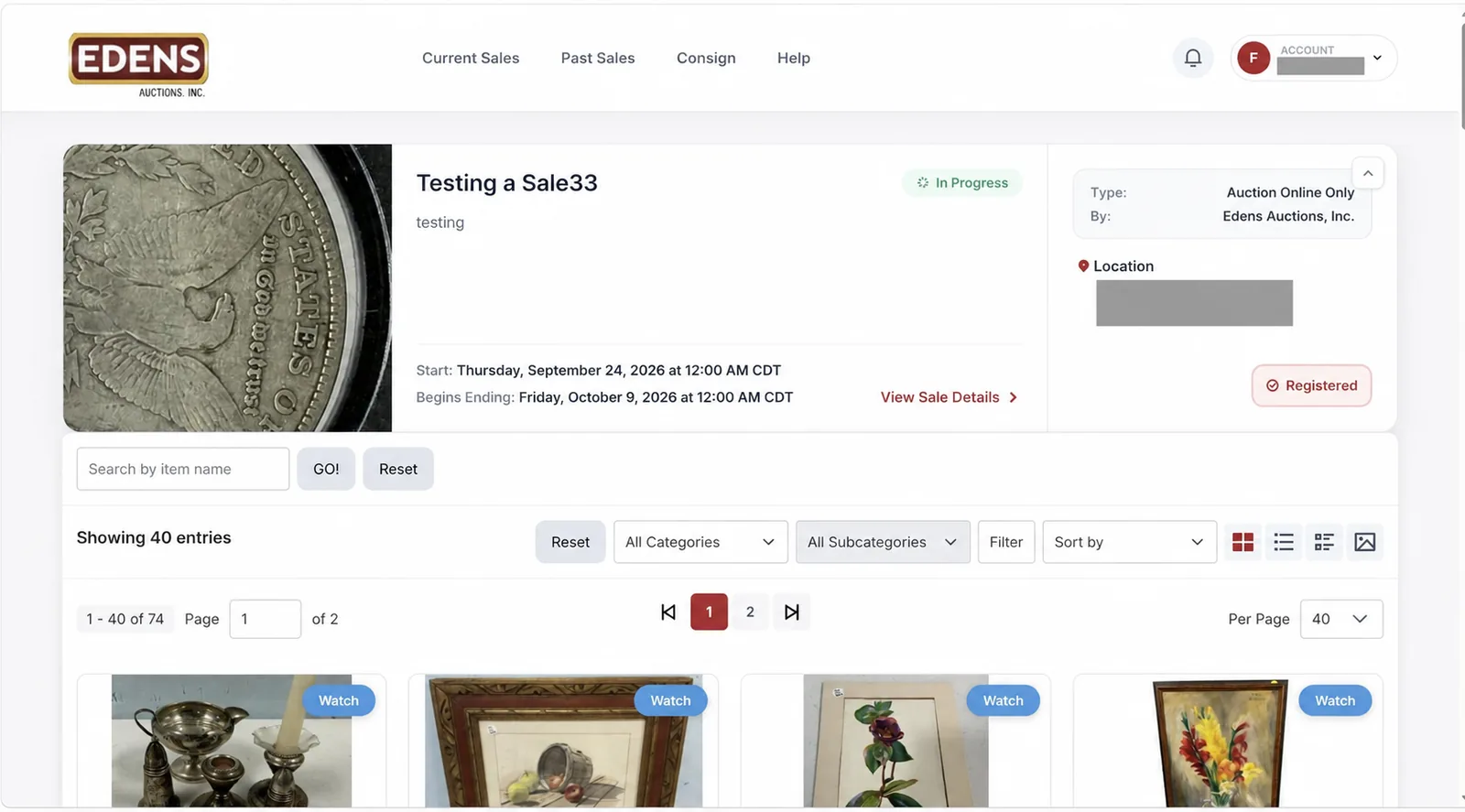
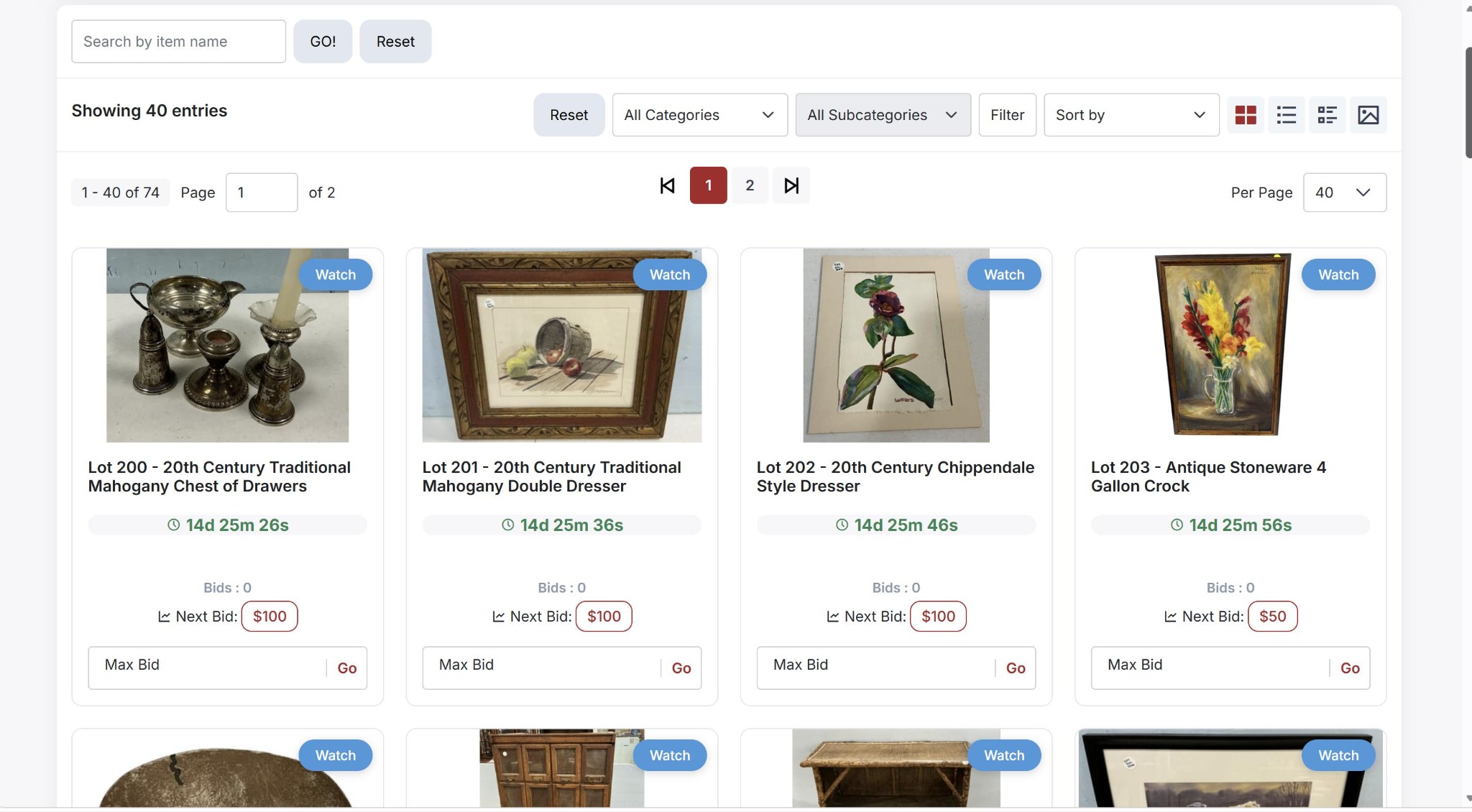
Before publishing, open several lots as a bidder and check the photos, lot order, descriptions and any pickup or shipping notes.